Connect the places, measurements, relationships and experiences behind your work. Give every part of the idea a place—and carry it forward with purpose.
Rooted in connection.One perspective. Five disciplines.
One idea / Many connections
Keep the context. Make the connection.
Start with a place, a measurement or a person. Build a useful record, keep its context close and prepare it for the next stage of work. M.A.P.L.E. brings five disciplines and eight focused client pages into one considered environment.
M.
01 / M.A.P.L.E.
Mapping
The place is part of the story.
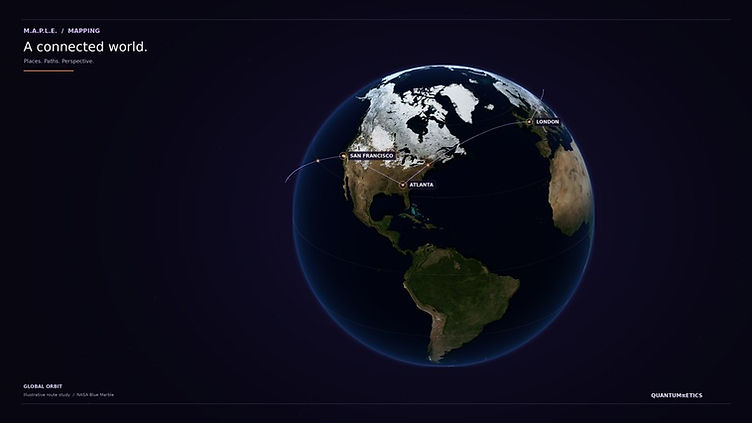
A location becomes useful when it connects to the people, activity and plans around it. Build a location register with clear coordinates, practical notes and a consistent record of what belongs where.
Organize sites, destinations and points of interest.
Review a selected location on OpenStreetMap.
Move location data through CSV, JSON and GeoJSON exports.
Quantumπetics globe film · NASA Earth Observatory imagery · Imagery source
Illustrative world orbit with example city markers and animated routes · No live tracking data.
A.
02 / M.A.P.L.E.
Analytics
Find the signal. Keep the context.
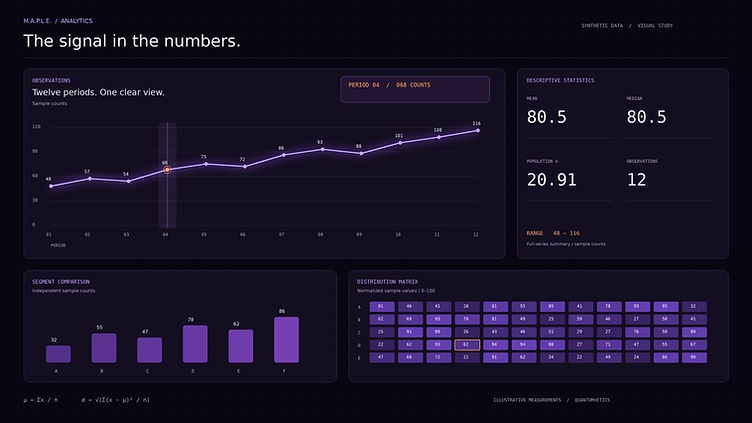
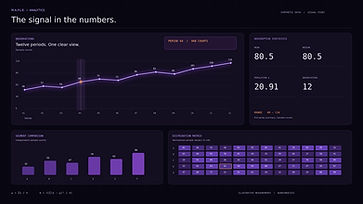
Bring measurements into a workspace where the question, unit and source notes stay together. Review recorded values without mixing unlike units, and use summaries to decide what deserves a closer look.
Record measurements with dates and explicit units.
Review totals calculated from your saved records.
Import source records and export filtered datasets.
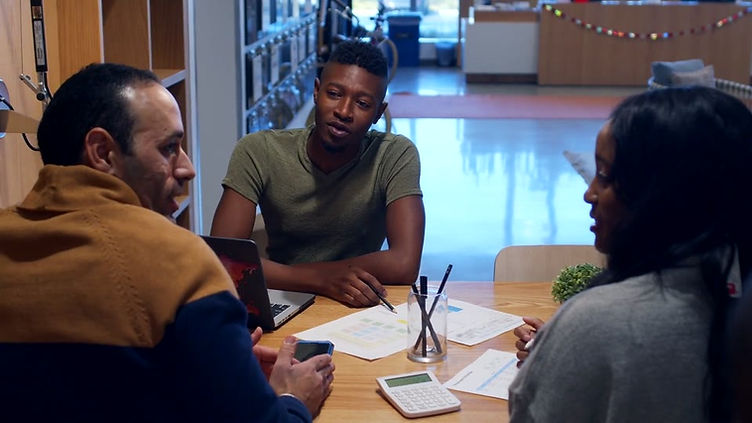
Projects move through relationships. Keep the names, roles, organizations and working notes that help a team understand who is involved and how the relationship fits into the larger picture.
Maintain team and professional contact records.
Keep Customers, Vendors and Contractors on dedicated pages.
Carry contact data between approved tools using import and export.
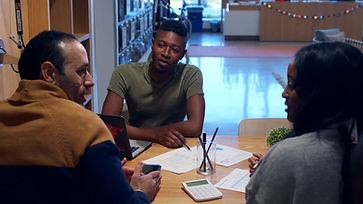
Kindel Media / Pexels · People sharing ideas and building together · Footage source
Licensed illustrative footage · Independent of the depicted people and events.
L.
04 / M.A.P.L.E.
Logistics
A plan that can travel with the work.
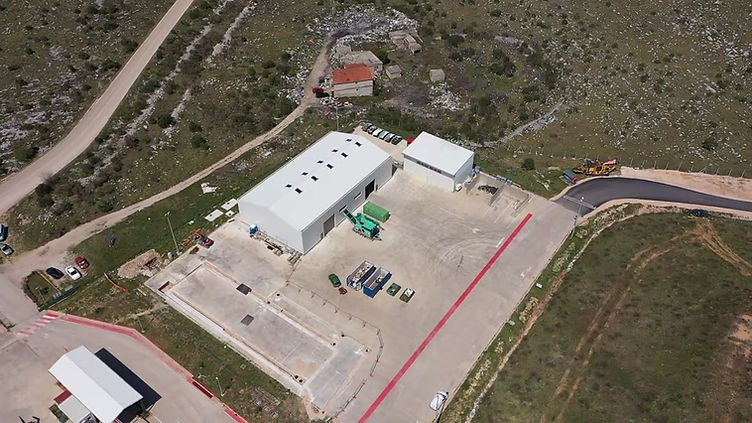
Connect an origin to a destination and give the details a place to live. Organize quantities, planned budgets, target dates and progress in a workspace built for practical coordination.
Plan movement with clear origins and destinations.
Track quantities, budgets and target dates.
Review active work, archive completed records and export handoffs.
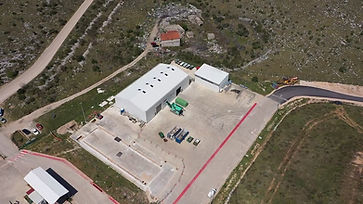
ŠIBaj TV / Pexels · Industrial logistics from above · Footage source
Licensed illustrative footage · Independent of the depicted people and events.
E.
05 / M.A.P.L.E.
Entertainment
Turn a moment into an experience.
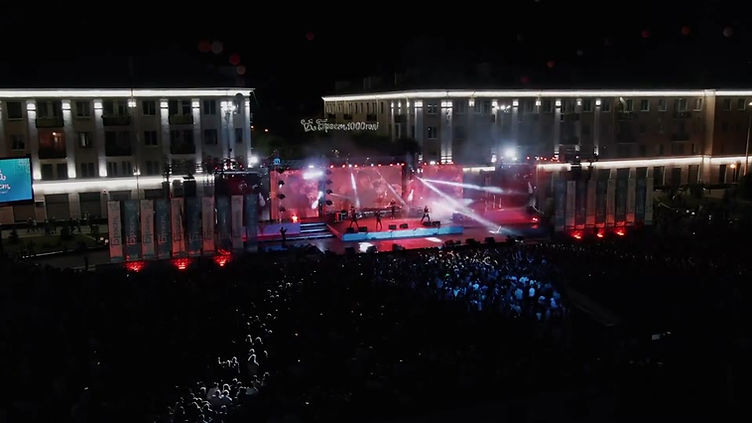
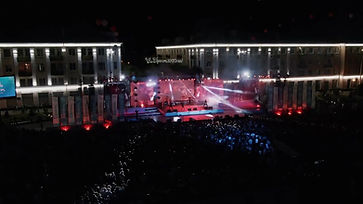
From the first production note to the energy of a live audience, entertainment brings people together. Organize events, releases and media references, with the operational details close at hand.
Plan event and release dates with supporting notes.
Preview supported video and audio references on demand.
Connect production planning with your people and logistics records.
Licensed illustrative footage · Independent of the depicted people and events.
E / Live experiences, trusted journeys
Discover the event. Bring trust to the journey.
Explore established ticketing platforms, organize your event references and build an identity and authentication plan with the Quantumπetics ecosystem.
Eventbrite
Community, conferences & independent events
Discover gatherings, workshops, festivals and experiences from event organizers.
Connect identity, event context and accountable operations.
QI
Identity & consent
Explore attendee and organizer identity workflows through Quantum Identity. Agree which identity checks an event requires and how consent will be handled.
Plan authorized provider connections for event references and ticket-status checks. Live issuer validation requires the provider’s approval and a configured integration.
Explore explicit application logging for the actions an event workflow needs to record. Define what evidence is needed and who is authorized to review it.
Third-party platforms are listed for discovery and planning. No live provider validation connection is configured here. Ticket validity, transfer rules and admission are confirmed by the event issuer.
Explore geography, evidence, the future of work, supply networks and creative life. Original field guides connect the larger questions to the practical work of a team, a business or a community.
In focus / The connected project
What changes when we look beyond a single discipline?
A venue is also a place in a community. A delivery is also a relationship. A measurement is also a question. Follow the connections and give the next decision a stronger starting point.
From a neighborhood project to a global network, place gives decisions their context.
Quantumπetics perspectivesMapping
Read the perspective
Start with the places your work depends on: a venue, a delivery point, a regional office or a supplier. Record where each place is, why it matters and what would change if access became difficult. A useful map helps a team ask better questions about distance, surrounding infrastructure and the communities involved.
Geographic context also needs a date and a source. A satellite composite, a street map and a site visit describe different things. Keep those distinctions in your notes, check the scale before drawing conclusions and revisit assumptions when conditions change. A precise coordinate is a starting point for understanding a place, rather than a complete account of it.
Questions worth asking
Which places are essential to the project?
How current and detailed is the location evidence?
Who can verify what the map does not show?
Put it into practice
Build a location register in Mapping, record source notes, and export GeoJSON Point records for a geographic handoff.
Understand the unit, time period and source before comparing the result.
Quantumπetics perspectivesAnalytics
Read the perspective
Before building a dashboard, write the question it should help answer. Then define each measurement: what is counted, which unit is used, which period it describes and where it came from. A weekly total and an annual total may both be correct while answering very different questions.
Keep recorded observations separate from estimates in the accompanying notes. When comparing places or periods, check coverage, missing values and definitions. Explain what could change your interpretation. A small, clearly described set of measures is a practical starting point for a team that needs to make a decision and later explain its reasoning.
Questions worth asking
What question should this measure answer?
Are the units, coverage and time periods comparable?
What is missing, estimated or uncertain?
Put it into practice
Record measurements with dates and units in Analytics. Review totals by unit and export a filtered dataset for your next discussion.
The future of work is a human coordination challenge
Make responsibilities, relationships and learning needs visible as tools and teams evolve.
Quantumπetics perspectivesPeople
Read the perspective
A new tool changes a working relationship only when people know how to use it together. Start with the responsibilities around a project: who owns a decision, who contributes expertise and who needs a clear handoff. Record the organization and working context behind a name so a contact list becomes useful to the next person joining the work.
Discuss learning needs directly with the people involved. Keep practical notes about agreed responsibilities, communication preferences and relevant resources. Use dedicated customer, vendor and contractor records when the relationship calls for a different kind of context. The goal is a clearer working agreement that a team can maintain as its plans evolve.
Questions worth asking
Who owns each decision and handoff?
Which skills or resources would help the team?
What contact information is appropriate to share?
Put it into practice
Use People for team relationships and the dedicated Customers, Vendors and Contractors pages for external working contacts.
Understand dependencies and alternatives before movement becomes urgent.
Quantumπetics perspectivesLogistics
Read the perspective
Walk through a planned movement from origin to destination. List what must be available, who supplies it, when it is needed and which step depends on another. Keep quantities, planned budgets and target dates together so the team can review a shared version of the plan.
Use a simple scenario discussion to examine an unavailable supplier, a delayed handoff or a change of destination. Record the alternative and the person responsible for checking it. Preserve what is known, what is assumed and what still needs a decision. Planning for a disruption is most useful when the next action is understandable to the people who will carry it out.
Questions worth asking
Which dependency could hold up the rest of the work?
What alternative has actually been checked?
Who needs to know when the plan changes?
Put it into practice
Organize origins, destinations and progress in Logistics. Keep supplier context in Vendors and export the relevant records for a handoff.
Connect creative intent with the people and practical details that bring it to life.
Quantumπetics perspectivesEntertainment
Read the perspective
A concert, exhibition or community gathering brings a place, an audience and a creative idea together. Begin with the experience you want people to have. Then work back through the venue, contributors, production needs, timing and supporting media.
Make access, local context and the contribution of creative professionals part of the planning conversation. Keep a consistent project name across location, people and logistics notes so collaborators can follow the same idea through different records. After the event, record the observations that will help the next team understand what worked and what deserves another approach.
Questions worth asking
Who is the experience intended to serve?
Which venue, people and production details need coordination?
What should the team learn from the experience?
Put it into practice
Organize event and release references in Entertainment, preview supported media, and carry production notes into the related workspaces.
Follow a single project across place, evidence, relationships, movement and experience.
Quantumπetics perspectivesConnected perspectives
Read the perspective
Consider a regional cultural event. Mapping identifies the venue and useful nearby places. Analytics records the measures the team chooses to review. People keeps the working relationships in context. Logistics holds the movement and production plan. Entertainment gives the event and its media references a home.
The value comes from the questions at the boundaries. Does a change of venue affect the delivery plan? Does the audience feedback suggest a different experience? Does the team have the right people for the next stage? Carry a shared project name and clear notes between records, review the connections together and export the information each collaborator actually needs.
Questions worth asking
Which change would affect another part of the project?
Where do two teams need the same context?
What is the smallest useful next action?
Put it into practice
Begin with one discipline, then add the other records your project needs. Every client page includes Workspace, Import and Export.
Start with a real question. Build the connections.
These example workflows show how the existing workspaces can support a project. Choose the disciplines you need and bring your own records.
Places & local economies
Plan a regional business network.
Bring sites, professional relationships and planned activity into a shared conversation. Keep a consistent project name across your records, then use exports to prepare the information each collaborator needs.
Mapping: a register of sites and destinations.
People: organizations and working relationships.
Analytics: dated measurements with explicit units.
Give a field team a clear record of where work happens, who is involved and what needs to arrive. Review dependencies and alternatives together before preparing the next handoff.
People: roles, organizations and contact notes.
Logistics: origins, destinations and target dates.
Vendors and Contractors: relevant external contacts.
Work from the intended experience back to its venue, contributors and production needs. Keep the creative idea and the operational details in view throughout the planning process.
Entertainment: events, releases and media references.
Mapping: the venue and useful nearby locations.
Logistics: quantities, planned budgets and progress.
Explore established research and public data resources alongside M.A.P.L.E.’s original guides. Open each publication at its source, review the methodology and bring relevant context into your work.
External resources open at their publisher. The perspectives above are original Quantumπetics field guides.
Built around the working relationship
Your customers. Your vendors. The people bringing it together.
Dedicated Customers, Vendors and Contractors pages sit alongside the five M.A.P.L.E. disciplines. Keep contacts, organizations, specialties and notes in the appropriate workspace.
Every client page includes Workspace, Import and Export tabs. Review CSV or JSON records before importing, download a column template, and export the filtered records you need. Mapping also supports GeoJSON export.
Sign in to save records to your account. Your workspace begins with your own information, with no prefilled customer data or simulated operational metrics.
A clearer starting point
Questions, in context.
What does M.A.P.L.E. stand for?
Mapping, Analytics, People, Logistics and Entertainment. The public page explores the ideas behind these five disciplines, while the signed-in portal gives each discipline a dedicated workspace.
Who can use the platform?
Teams, businesses, independent professionals and community organizers can start with the part of a project that needs context: a location, a measurement, a relationship, a movement or an experience.
What is inside the client portal?
The five M.A.P.L.E. discipline pages sit alongside dedicated Customers, Vendors and Contractors pages. Each client page has Workspace, Import and Export tabs. Sign in to create and save your records.
Can I bring my existing records?
Import CSV or JSON, preview the records and confirm the import. Each page provides a CSV column template. Mapping also accepts GeoJSON Point features. Review the template and field requirements before importing.
How can I take my work into another tool?
Export the records matching your current workspace filters as CSV or JSON. Mapping also offers GeoJSON export. Use those files to prepare a handoff to another tool or collaborator.
Are the public films showing live operations?
The films are illustrative. Your private workspace contains the records you enter or import. Research links open the original publisher’s resources for you to explore.
Can I start with one discipline?
Yes. Begin with one page and add the other records your project needs. Use consistent project names and clear notes when carrying context between the separate workspaces.
How do I discuss a wider implementation?
Use the Quantumπetics contact page to describe the project, the data involved and the outcome you want to support. The team can review the scope and the connections your workflow would need.
Connect explicit application logging, CVE context and structured findings in a workflow your team can review. Explore the Python and JavaScript source, try the offline examples, and connect a configured client workspace.
Explicit application events
Capture the events your application chooses to log, with JSON/NDJSON output and controlled delivery.
CVE and package context
Connect CVE references and supplied package versions with public advisory research and analyst review.
Structured findings
Keep declared assets, evidence, severity and remediation context together in a reviewable finding.